
1
Copy your invitation link
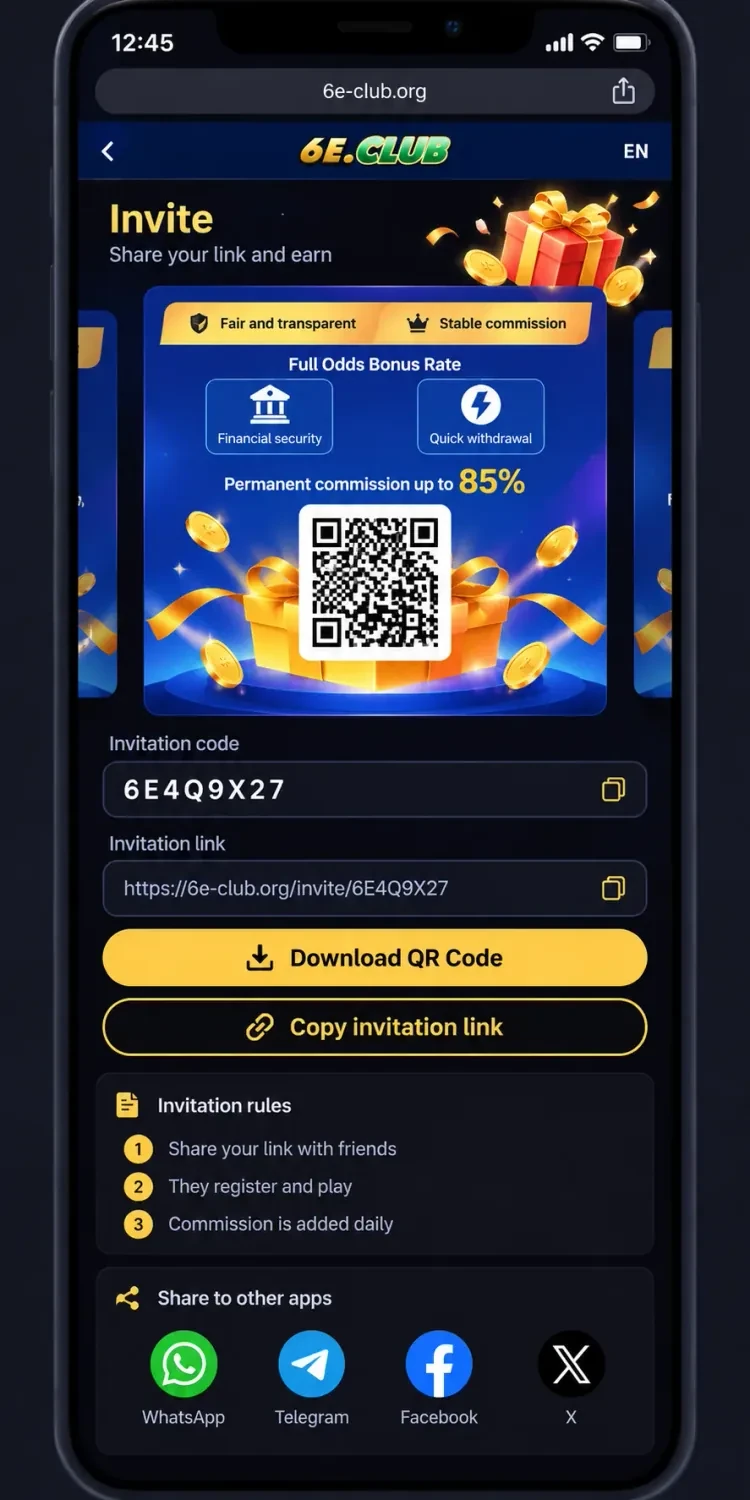
Open the Invite page and select Copy invitation link. This copies the invitation URL for your account. Send it directly to a friend through a messaging app.
Guide · 2026
The Invite page shows a personal invitation link, QR code, invitation code and commission information. Learn where to find them, how to share, and how the advertised commission is described.
Open Invite in your account
Sign in, open Invite, then copy your link or QR code using the steps below.
Log in, then open Invite or the Promotion / Agency area from the platform menus. The page shows the details used for sharing.
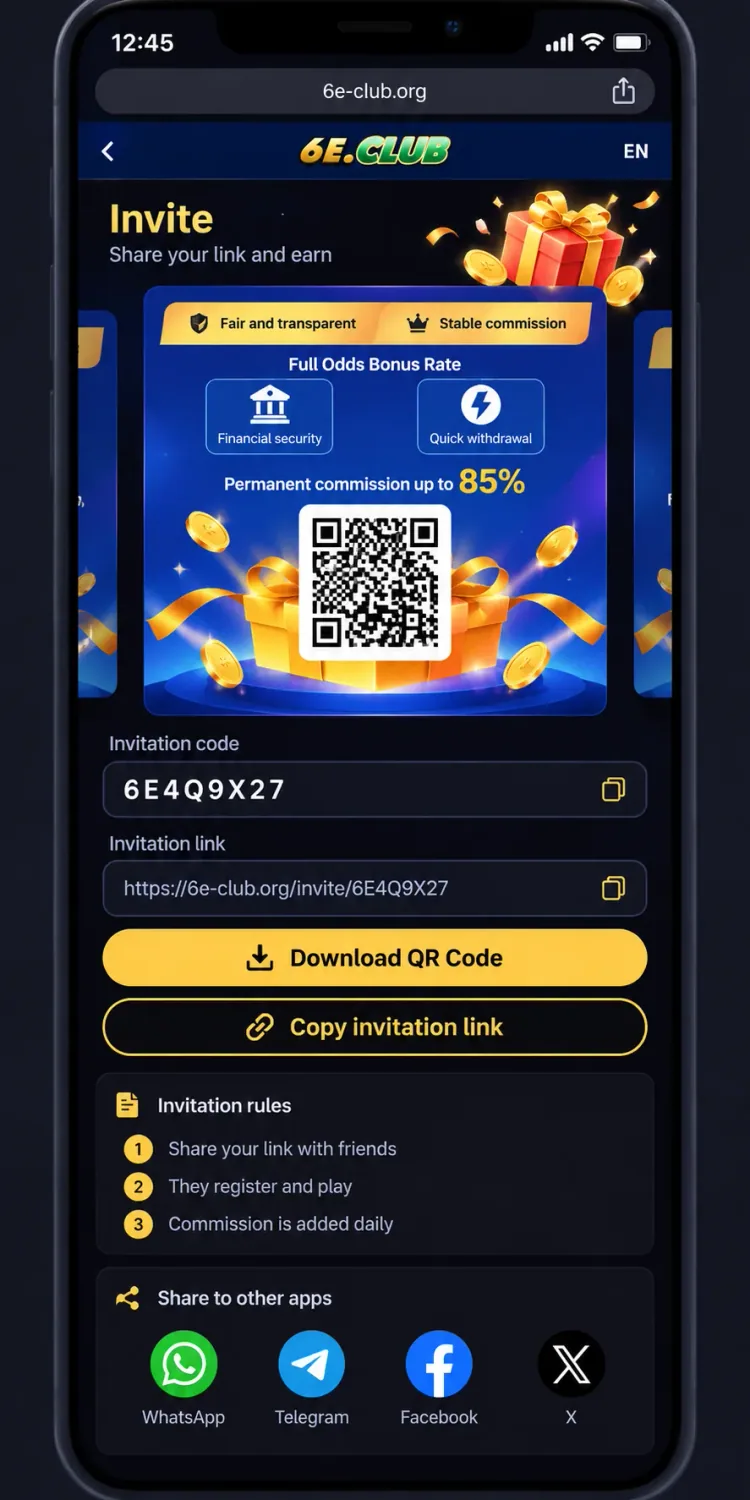
Invite page — code, link and QR
Share carefully
Share your link, let friends register and play, then check the commission information shown for your account.
Open the Invite page and select Copy invitation link. This copies the invitation URL for your account. Send it directly to a friend through a messaging app.
If you prefer a QR code, use Download QR Code. Your friend can scan it to open the invitation link, provided the code is valid and the link works.
The page may include sharing options for WhatsApp, Telegram, Facebook and X. Choose the option you normally use, then share your invitation.
Displayed rules may say invited users should register and play for commission to apply. Read the current terms on your account before assuming registration alone qualifies for a reward.
The Invite / Agency area may show yesterday’s commission, team deposits, and an invitation link. Treat promotional rates as claims to verify — not guaranteed income.
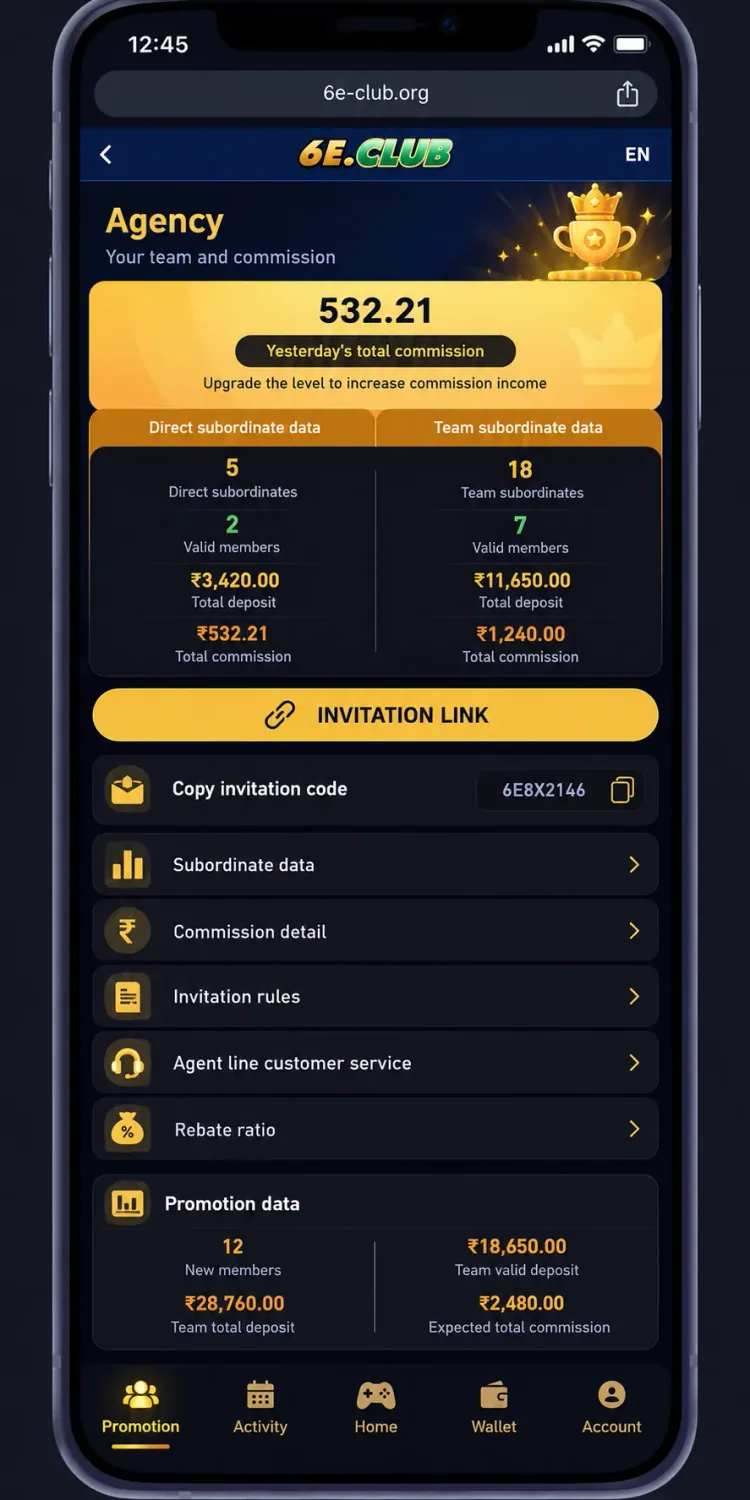
Agency / Promotion — commission totals, INVITATION LINK, and Copy invitation code
This screen can show figures such as yesterday’s total commission, direct and team subordinate counts, deposits, and expected commission. Actual commission may depend on platform rules, qualifying activity, account conditions and other terms. Do not calculate expected earnings from an advertised maximum rate or a sample balance alone.
Not guaranteed income
The invitation screen may state that commission is added daily. That does not establish a fixed payout amount or guarantee that every account is credited every day.
If commission does not appear, check referral or commission records in your account. Confirm whether the invited user completed required activity. If the status is still unclear, use customer service through verified support options.
If the link does not open correctly, try these checks before creating a new share message.
Avoid changing the invitation URL manually. A modified link may no longer point to the correct invitation page.
These options serve related but different purposes.
| Option | Purpose |
|---|---|
| Invitation code | Identifies the code displayed on the account |
| Invitation link | Provides a URL to share with another user |
| Invitation QR code | Opens the invitation URL by scanning the code |
Use the option most convenient for the person you invite. If a registration form asks for an invitation code separately, follow that form rather than assuming the link fills it automatically.
The 6E Club invitation feature brings the referral link, invitation code, QR code, sharing options and commission information together on one page. Before inviting others, review the current rules and understand how commission eligibility works.
This is an independent informational guide and does not establish official affiliation with 6E Club. Colour prediction and related gaming can involve financial losses — do not treat referral commission as guaranteed income.